Complete end-to-end solutions for stunning virtual property experiences.
From capture and AI modeling to immersive VR and an intelligent tour companion — everything you need to turn a property into an experience.
Everything you need to turn a property into an experience.
Capture
Professional drone and camera capture of every angle and detail with cutting-edge equipment.
AI 4D Modeling
Advanced AI algorithms transform captures into photorealistic, interactive 4D models.
Interactive Viewer
Fully immersive 4D virtual tours, hotspots, and seamless navigation.
Custom Integrations
Seamless integration with your existing platforms, websites, and MLS systems.

Step inside. Literally.
Walk through every property at full 1:1 scale — be in it, don't just imagine it.
Every property, its own expert.
A purpose-built AI agent trained on every detail of your scanned property — geometry, materials, finishes, surroundings. Buyers explore with confidence, brokers close with conviction.

Design your space.
Before you move in.
Describe any piece of furniture, let the AI generate a 3D model, then place it directly inside your 4D property — all before committing to a single purchase.
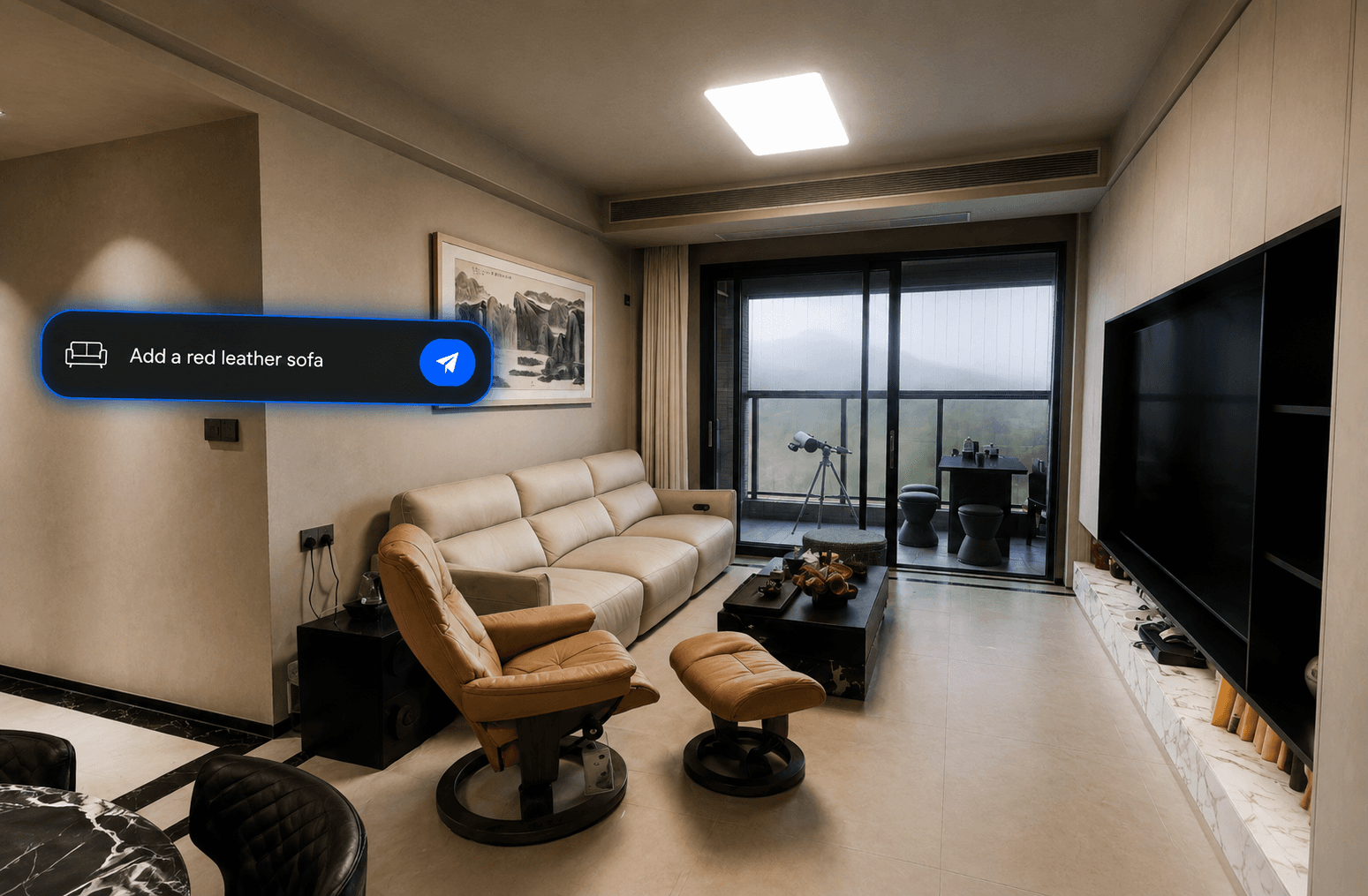
Describe Your Furniture
Tell the AI exactly what you want to add to the 4D property model, such as a red leather sofa, marble dining table, or modern lounge chair.
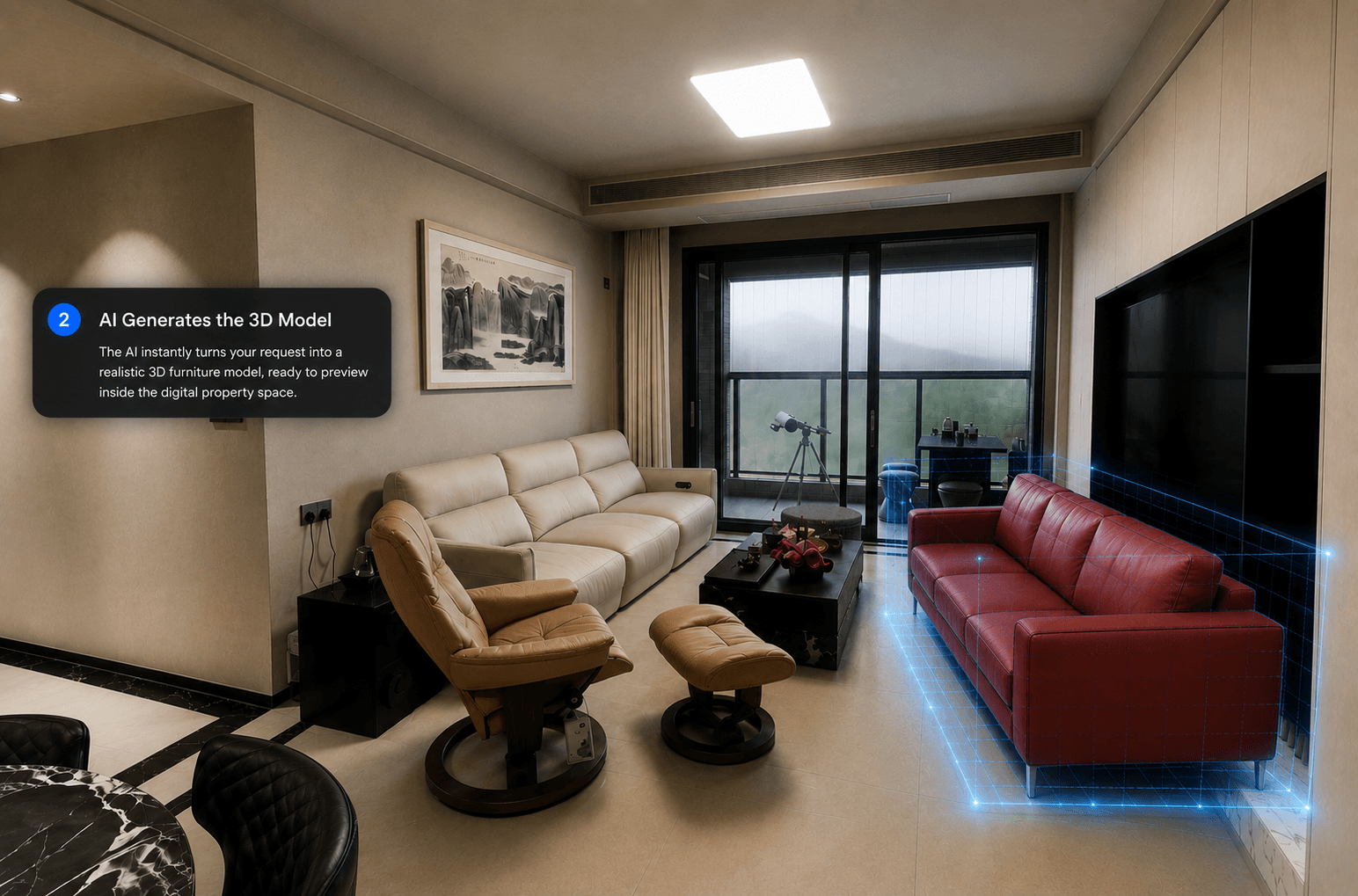
AI Generates the 3D Model
The AI instantly turns your request into a realistic 3D furniture model, ready to preview inside the digital property space.

Place It in the Property Model
Drag and drop the generated furniture anywhere inside the 4D model to test layout, scale, and design before making real changes.